Isolating Candidate Test Environments Across AWS, GCP, and Azure IAM
Originally published on the Brokee engineering blog (November 2023, as part of a monthly company update announcing new Azure-based assessments). The
brokee.iodomain was later sold and now redirects elsewhere; this copy was recovered from the Internet Archive, trimmed to the technical content, and lightly edited.
In November we shipped two new assessments for companies running IT infrastructure on Azure, covering junior through senior cloud engineers. Building them meant extending our per-candidate isolated-environment model — already running on AWS and GCP — to a third, structurally different IAM system.
Every cloud assessment has the same three requirements:
- Each candidate gets an isolated unit for their test, so nobody can interfere with anyone else’s environment
- Test environments are created and destroyed automatically
- Candidates can log in to their test easily
Automating environment creation and teardown is never trivial, and in terms of how easy that is to get right, Azure landed somewhere between GCP and AWS.
IAM shape differs by provider
On AWS, we maintain a granular permission set per test, specifying exactly what a candidate can and can’t do inside the environment.
On GCP, each test gets its own project, with broad permissions within that project but a set of guardrails keeping candidates inside the intended bounds.
Azure splits things differently: User Management and Resource Management are entirely separate concerns. For resource management, Azure has Resource Groups — a set of resources you can create and delete as a unit. We used Resource Groups to automate per-test resource management and get the same kind of isolated unit we already had on AWS and GCP.
Candidate login without a real account
The harder problem was login. On our other tests, candidates log in with their existing Brokee credentials. Azure has plenty of authentication options, but nearly all of them assume either business-to-business collaboration or a typical end-user app — neither fits “log an anonymous test-taker into a temporary environment tied to our own user database.”
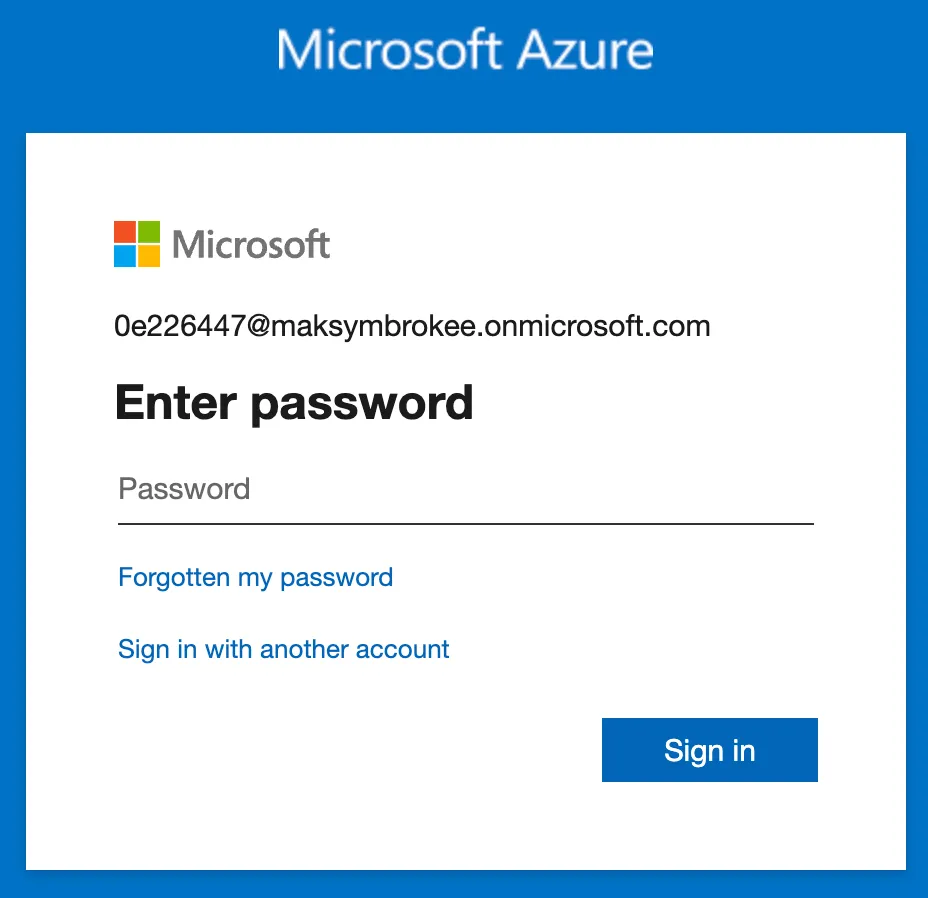
The workaround: create a temporary user per test, with a pre-populated username so the candidate only has to enter an auto-generated password shown in the test description.